Coming from a JavaScript and PHP background, my transition into a Python project was… overwhelming.
Suddenly, I was surrounded by new terms — python, python3, pip, pip3, venv, requirements.txt, pipenv, Pipfile, and Pipfile.lock — none of which I’d ever heard of before.
At first, all of these things completely confused me.
The Mystery of python and python3
While running Python scripts from the terminal, I noticed something strange.
Some developers ran:
python hello.pyWhile others used:
python3 hello.pyIt was the first time I’d seen this — and I knew there had to be a reason.
So I started digging, searching the web, and even asking AI tools for clarity.
The Discovery
On older systems like Ubuntu 18.04 or macOS pre-2020, I found this pattern:
$ python --version
Python 2.7.18

$ python3 --version
Python 3.8.10Here’s what that means:
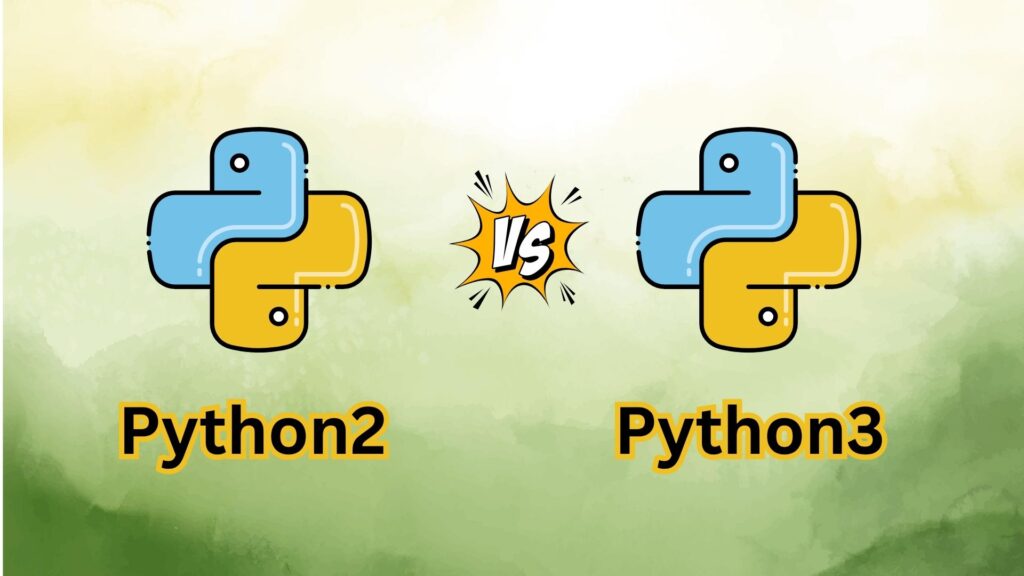
python→ runs Python 2python3→ runs Python 3
Why Do We Have Both?
In the past, many production services were built with Python 2.
When Python 3 came along, it introduced several breaking changes — meaning code written for Python 2 wouldn’t always work in Python 3.
If you simply repurpose the python command to point to Python 3, you might break existing services that rely on older syntax.
Example: When Updating the Alias Breaks Things
Imagine a Linux server from 2014 that has been running smoothly for years.
It runs a nightly cron job to back up some files using a Python script:
# Python 2 script
print "Starting backup..."

data = {'files': 120, 'size': 340.5}
print "Total files:", data['files']
print "Total size:", data['size'], "MB"The cron job looks like this:
python /usr/local/bin/backup_script.pyOne day, a system admin decides to modernize the environment and updates the alias:
sudo update-alternatives --install /usr/bin/python python /usr/bin/python3 1Now python runs Python 3, not Python 2.
The Next Night…
The backup fails with this error:
File "backup_script.py", line 2
    print "Starting backup..."
          ^^^^^^^^^^^^^^^^^^^
SyntaxError: Missing parentheses in call to 'print'. Did you mean print(...)?That’s because in Python 3, print is a function, not a statement.
Quick Syntax Comparison
| Version | Print Syntax |
|---|---|
| Python 2 | print "Hello, world!" |
| Python 3 | print("Hello, world!") |
So, while new scripts will work fine, older scripts can break instantly when python suddenly points to a newer interpreter.
The Safe Approach
To avoid conflicts on older systems:
- Keep
pythonpointing to Python 2 - Use
python3explicitly for new projects
This ensures that both old and new scripts can coexist safely.
Modern Systems
On modern OS versions (like Ubuntu 22.04, macOS 12+, or Windows 10+), this confusion no longer exists:
$ python --version
Python 3.10.12

$ python3 --version
Python 3.10.12Now, both commands typically point to Python 3, since Python 2 reached end-of-life on January 1, 2020.
Final Takeaway
Having this awareness can save hours of debugging and prevent production outages that happen simply because of mismatched Python versions.
When in doubt:
- Always check your interpreter with
python --version - Use
python3explicitly in new projects - Be careful when changing global aliases on shared systems
Understanding this small difference can make a huge impact when working across environments — and keep you from breaking code that’s been running perfectly for years.